A well-designed desk setup can make work feel easier and more organized. You do not need expensive furniture or complicated equipment to create a comfortable workspace. Small changes to your desk, chair, lighting, and daily habits can improve focus and make it easier to stay on task.
The best setup is one that fits your work style, available space, and budget. Use the tips below to build a workspace that feels calm, practical, and easy to maintain.
Start With the Right Desk Location
Your desk location affects how easily you can concentrate. If possible, choose a spot with enough natural light and limited foot traffic. A quieter area can help reduce interruptions, especially during tasks that require deep concentration.
Consider these factors when choosing a location:
– Place the desk near a window for natural light, but avoid strong glare on your screen.
– Keep the background simple if you often join video calls.
– Avoid placing the desk directly in a busy walkway.
– Make sure power outlets are easy to reach.
– Leave enough space to move the chair in and out comfortably.
If your home is busy, use headphones, a room divider, or a consistent “do not disturb” signal to create a clearer work boundary.
Choose a Desk With Enough Room
Your desk should hold the items you use regularly without feeling crowded. A surface that is too small can force your keyboard, monitor, notebook, and other tools into awkward positions. A very large desk, on the other hand, may encourage clutter.
Measure the available space before buying or rearranging a desk. Then consider what you need to keep within reach. Most people need room for:
– A computer or monitor
– A keyboard and mouse
– A notebook or planner
– A drink
– Frequently used accessories
A desk with built-in storage can be useful, but open space is also valuable. Try to keep the area directly in front of you clear so your primary tools are easy to use.
Adjust Your Chair and Sitting Position
Your chair should allow you to sit comfortably while keeping your body in a relaxed, balanced position. Adjust the height so your feet rest flat on the floor or on a footrest. Your knees should feel comfortable, and your shoulders should not need to lift toward your ears.
Use these basic chair adjustments:
– Keep your back supported by the chair.
– Position your hips and knees at a comfortable angle.
– Let your arms rest naturally rather than reaching forward.
– Keep your feet stable on the floor or a footrest.
– Avoid sitting at the very edge of the seat for long periods.
If your chair has adjustable armrests, set them so your shoulders remain relaxed. A cushion or footrest may help you fine-tune the setup, but comfort matters more than following a rigid position.
Place Your Monitor at a Comfortable Height
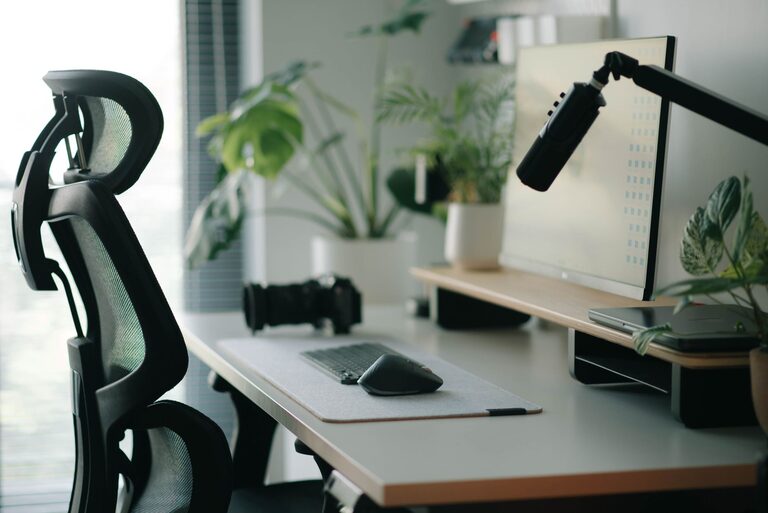
Monitor placement has a major effect on how you use your desk. Position the screen directly in front of you so you do not need to turn your head repeatedly. The top portion of the display should be near eye level, allowing you to view the screen without constantly looking up or down.
Keep the monitor about an arm’s length away, adjusting the distance based on the size of the display and your viewing comfort. If you use two monitors, place the main screen directly in front of you and the secondary screen beside it. If both screens are used equally, center the space between them.
Laptop users may need a stand or riser to bring the screen higher. If you raise the laptop, use a separate keyboard and mouse so your arms can remain in a comfortable position.
Position Your Keyboard and Mouse
Your keyboard and mouse should be close enough that you do not need to reach forward. Keep your elbows near your sides and allow your wrists to stay in a natural, relaxed position.
Avoid placing the keyboard at the very edge of the desk, where your hands may lack support. At the same time, leave enough room for your wrists to move freely. The mouse should sit close to the keyboard on your preferred side.
If you often switch between a keyboard and a notebook, arrange them so each item can be used without moving other equipment. Simple placement choices can reduce unnecessary movement throughout the day.
Improve Lighting and Reduce Glare
Good lighting makes it easier to read and work without straining your eyes. Natural light is helpful, but it can create reflections on a screen. Place your monitor so that windows are to the side rather than directly behind or in front of it.
Add a desk lamp if your workspace becomes dim in the afternoon or evening. A lamp with adjustable direction can illuminate paperwork without shining directly into your eyes or onto the display.
Try these lighting improvements:
– Use soft, even light across the workspace.
– Keep bright lamps out of your direct line of sight.
– Adjust blinds or curtains to control changing daylight.
– Clean the monitor regularly to reduce distracting reflections.
– Match screen brightness to the room instead of using the highest setting.
Organize Cables and Accessories
Loose cables can make a desk look cluttered and make cleaning more difficult. Group cables by device and secure them with reusable ties or clips. Labeling chargers can also save time when several cords look alike.
Keep frequently used accessories within easy reach and store occasional items elsewhere. A small tray, drawer organizer, or container can hold items such as adapters, pens, and charging cables.
A simple organization system might include:
– One area for daily tools
– One drawer or container for spare equipment
– A charging location for personal devices
– A clear space for writing or reviewing documents
The goal is not to hide everything. It is to make useful items easy to find and return to their proper places.
Control Digital Distractions
A comfortable physical setup works best when your digital environment is also organized. Remove unnecessary shortcuts from your desktop and group files into clearly named folders. Close apps and browser tabs that are unrelated to your current task.
You can also:
– Turn off nonessential notifications.
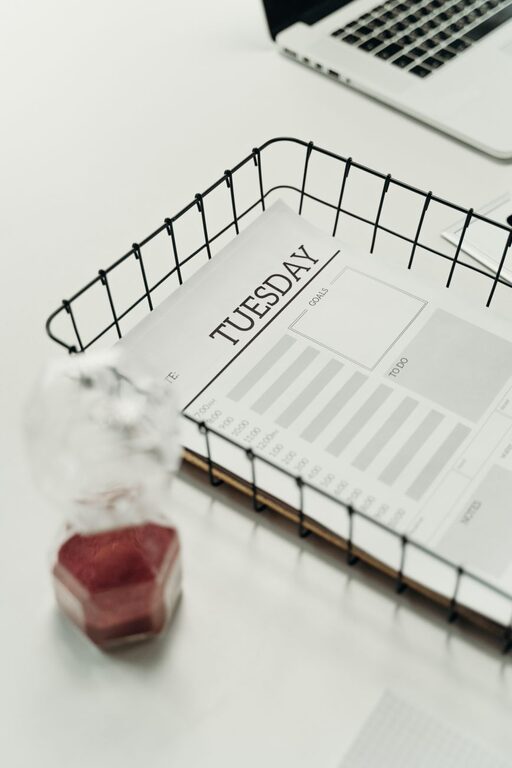
– Use a timer for focused work sessions.
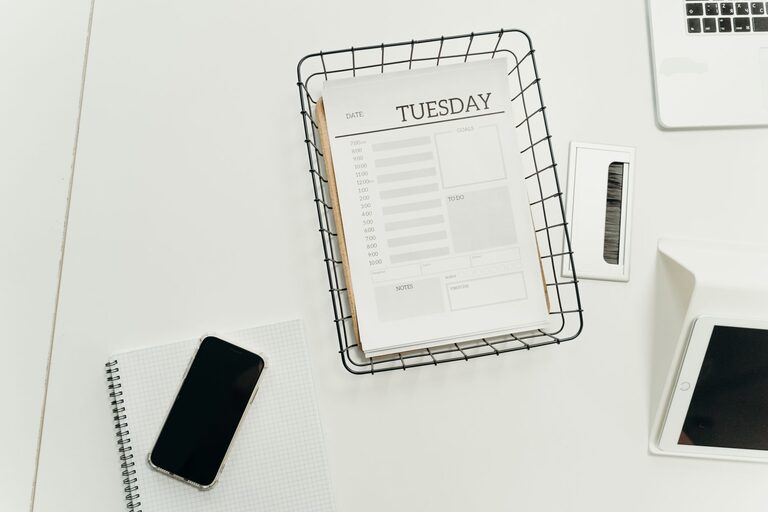
– Keep a short task list visible.
– Check messages at planned times.
– Use full-screen mode for writing or reading.
These steps create fewer interruptions without requiring a complicated productivity system.
Add Personal Comfort Without Creating Clutter
Personal touches can make a desk more inviting, but too many objects may become distracting. Choose a few items that support your mood or routine, such as a small plant, framed photo, or favorite notebook.
Keep decorations outside your main work zone. This leaves the area in front of your keyboard and monitor clear while still making the space feel personal.
Temperature and sound also matter. Keep a light layer nearby if the room changes temperature, and consider quiet background audio if it helps you work. The best choice depends on the task and your surroundings.
Build Regular Movement Into the Day
Even a carefully arranged desk should not encourage you to stay in one position for hours. Add short breaks between tasks. Stand up, walk around, refill your water, or change activities for a few minutes.
Helpful reminders include:
– Set a timer to change position regularly.
– Stand while taking a phone call when practical.
– Place water slightly away from the desk to encourage brief movement.
– Use breaks to reset the workspace.
– End the workday by clearing the desk for the next session.
Review Your Setup Regularly
Your needs may change as your work, equipment, or room changes. Every few weeks, take a moment to review the setup. Notice what feels inconvenient, what creates clutter, and which items you rarely use.
Make one adjustment at a time, such as moving the monitor, changing the lamp position, or removing an unused accessory. Small improvements are easier to test and maintain than a complete redesign.
A focused and comfortable desk is built through practical choices, not perfection. Start with the position of your chair and screen, improve the lighting, organize the tools you use most, and add regular breaks. Over time, these simple habits can create a workspace that supports both productivity and everyday comfort.
About the Author